Everything the app does, in the order you will actually meet it. The first half is for players and parents. The second half is Hoop Teams, for coaches tracking a whole game from the bench.
This page is built to print. Use your browser's Print → Save as PDF to get the guide as a single file you can send to a team or a parent group.
Hoop is free on Android. You do not need an account to start — open it and you can log a session immediately. Signing in only matters if you want your data backed up and synced.
On first open you choose a role: Player, Parent or Coach. It changes the whole app — which tabs you get, what the home screen shows, and which features appear.
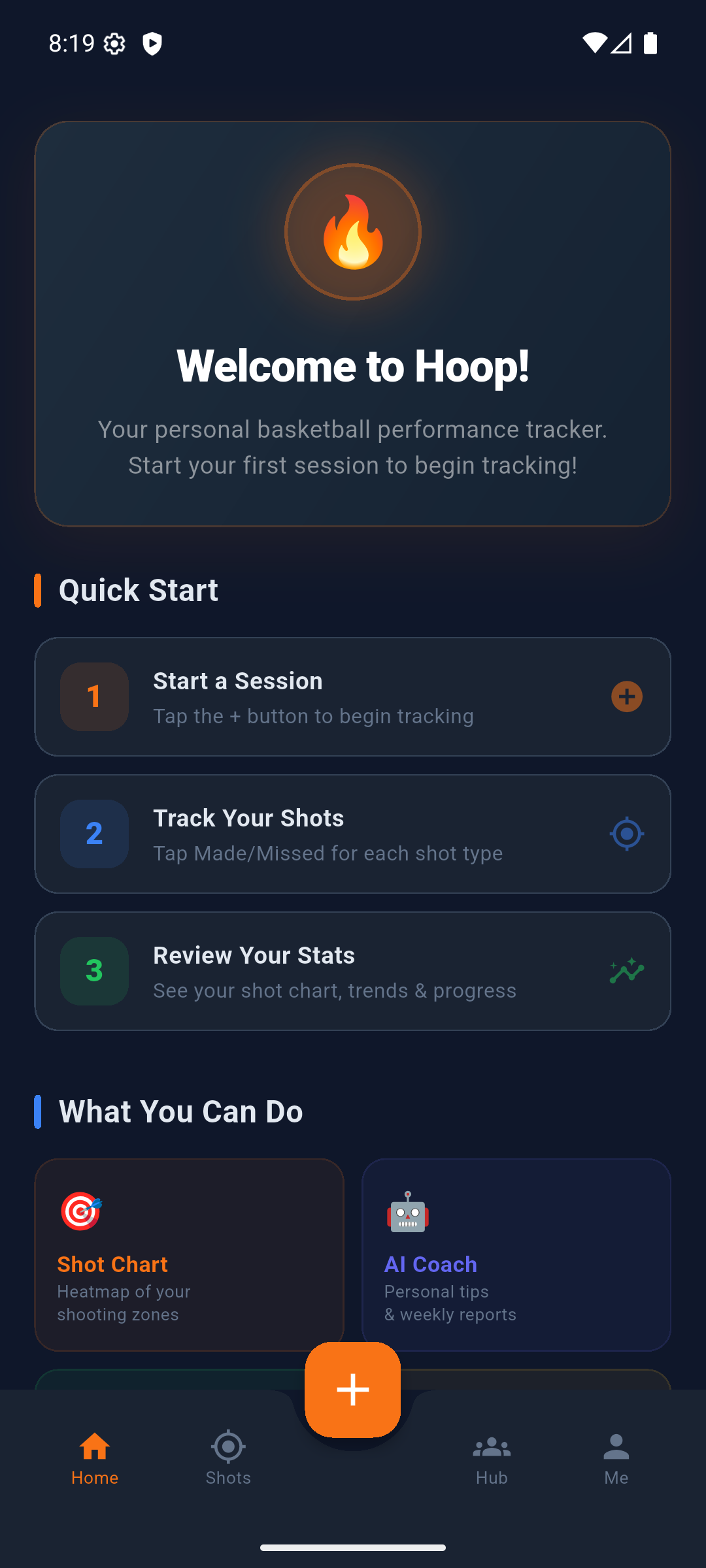
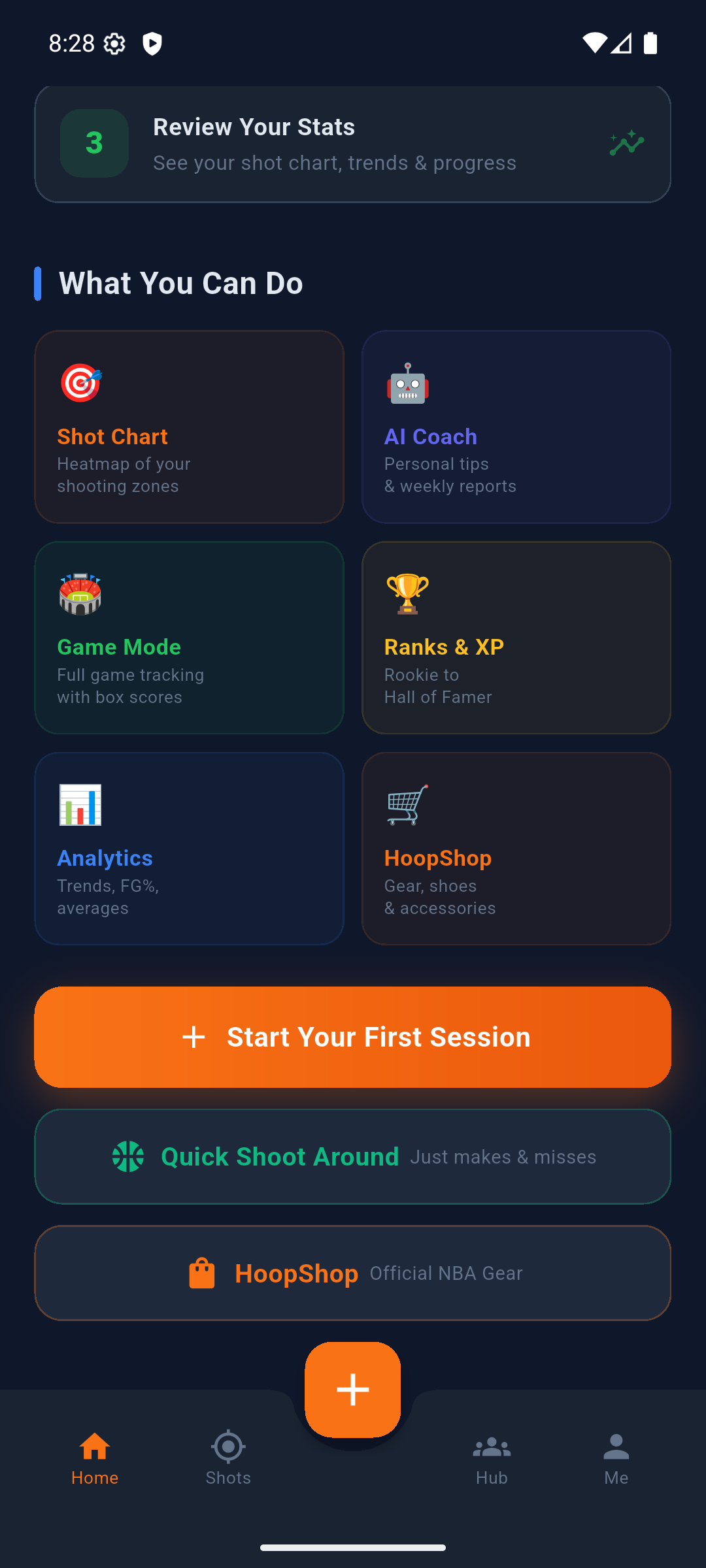
Everything lives behind four tabs at the bottom:
The floating button opens the AI coach from anywhere.
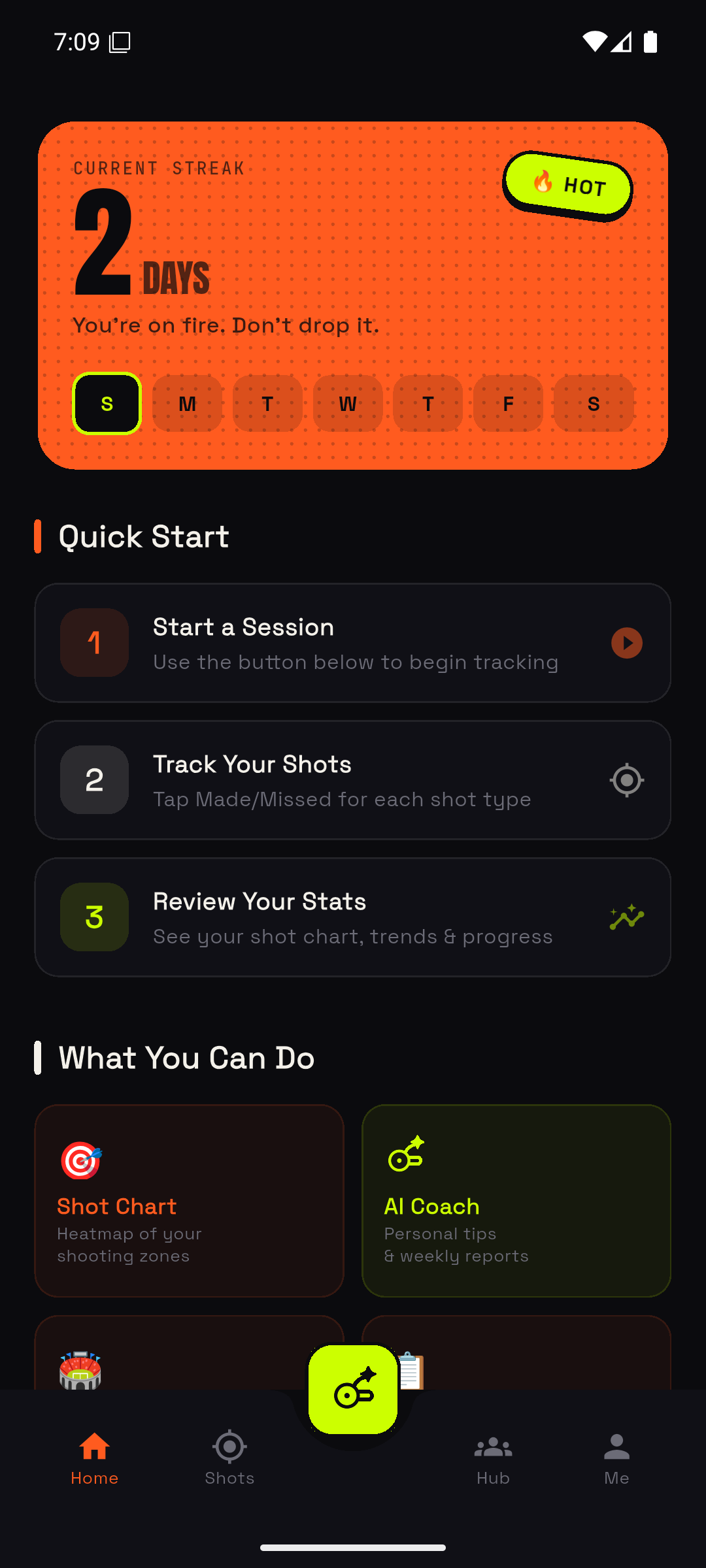
Tap the + on the home screen to start a session. Pick Training or Game. A game adds a period clock with a warning at 1:00, a red 0:10 and a buzzer at the end.
For a quick shooting session with no setup, use Quick Shoot on the home dashboard.
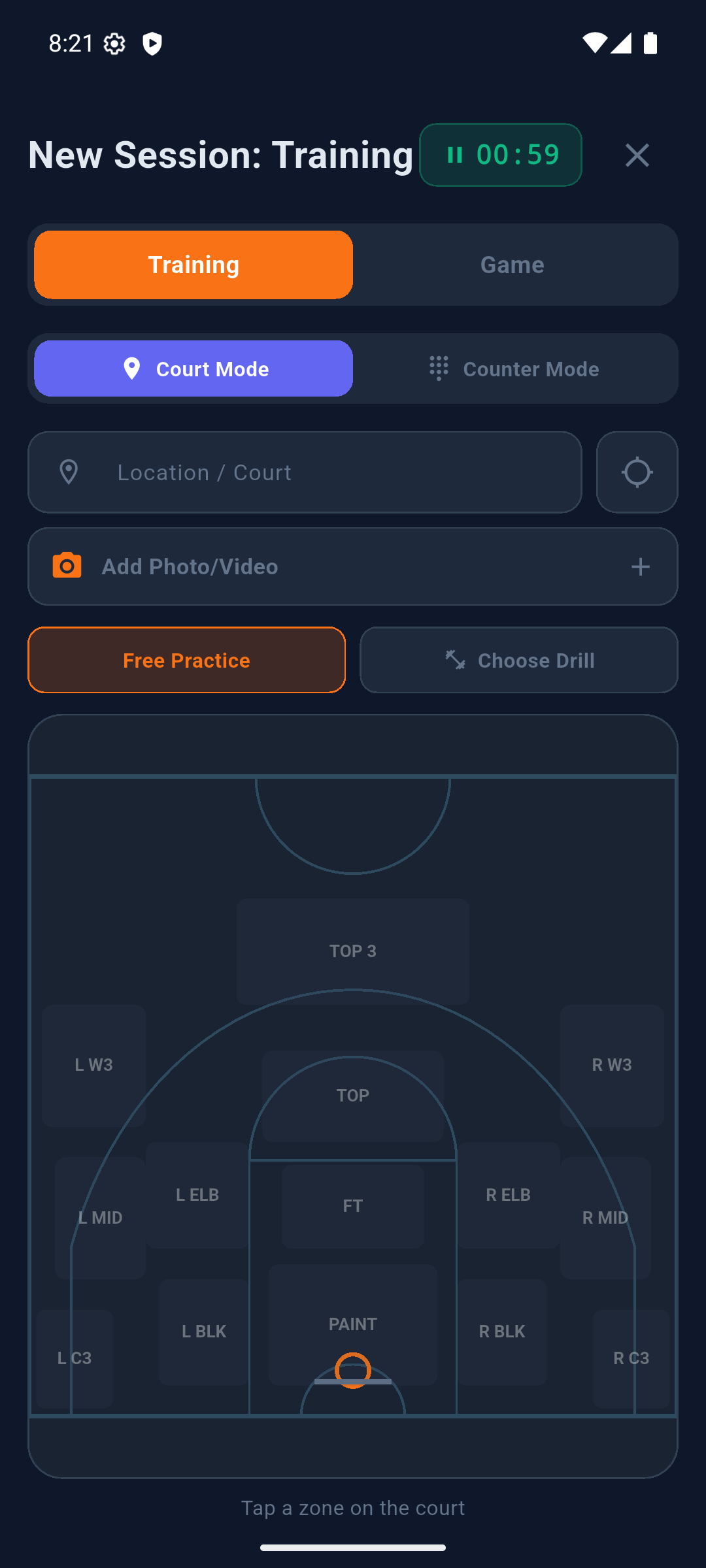
This is the one thing worth being precise about, because it is the step people get wrong:
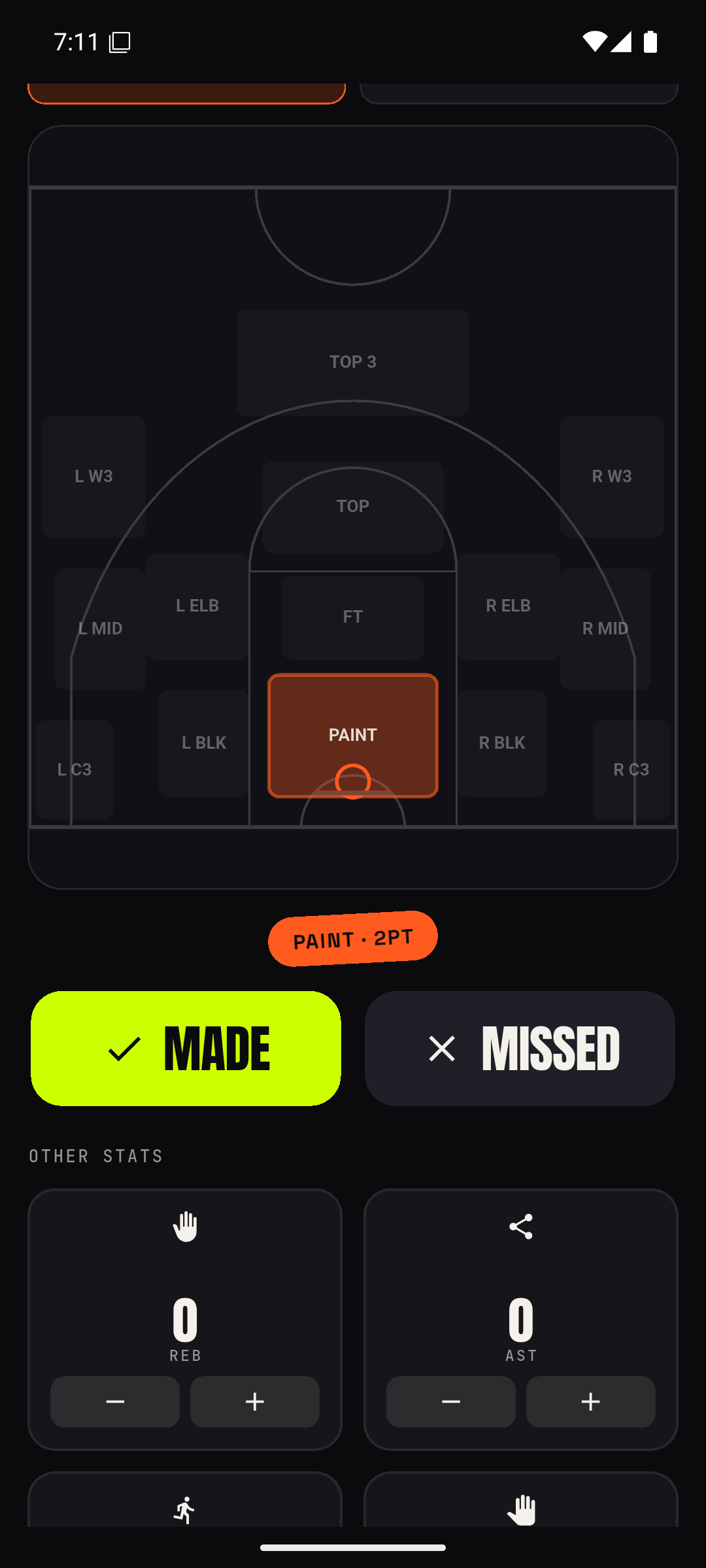
So the rhythm is: tap where you shot from → tap MADE or MISSED. Keep tapping MADE and MISSED for as long as you keep shooting from that spot; you only touch the court again when you move.
You can also log rebounds, assists, steals, blocks and free throws from the same screen.
Tap Finish. The session is saved to your history, your XP and streak update, and anything it completed — a goal, a plan day, an achievement — is credited automatically.
Made a mistake? Open the session from your history in the Me tab and edit it.
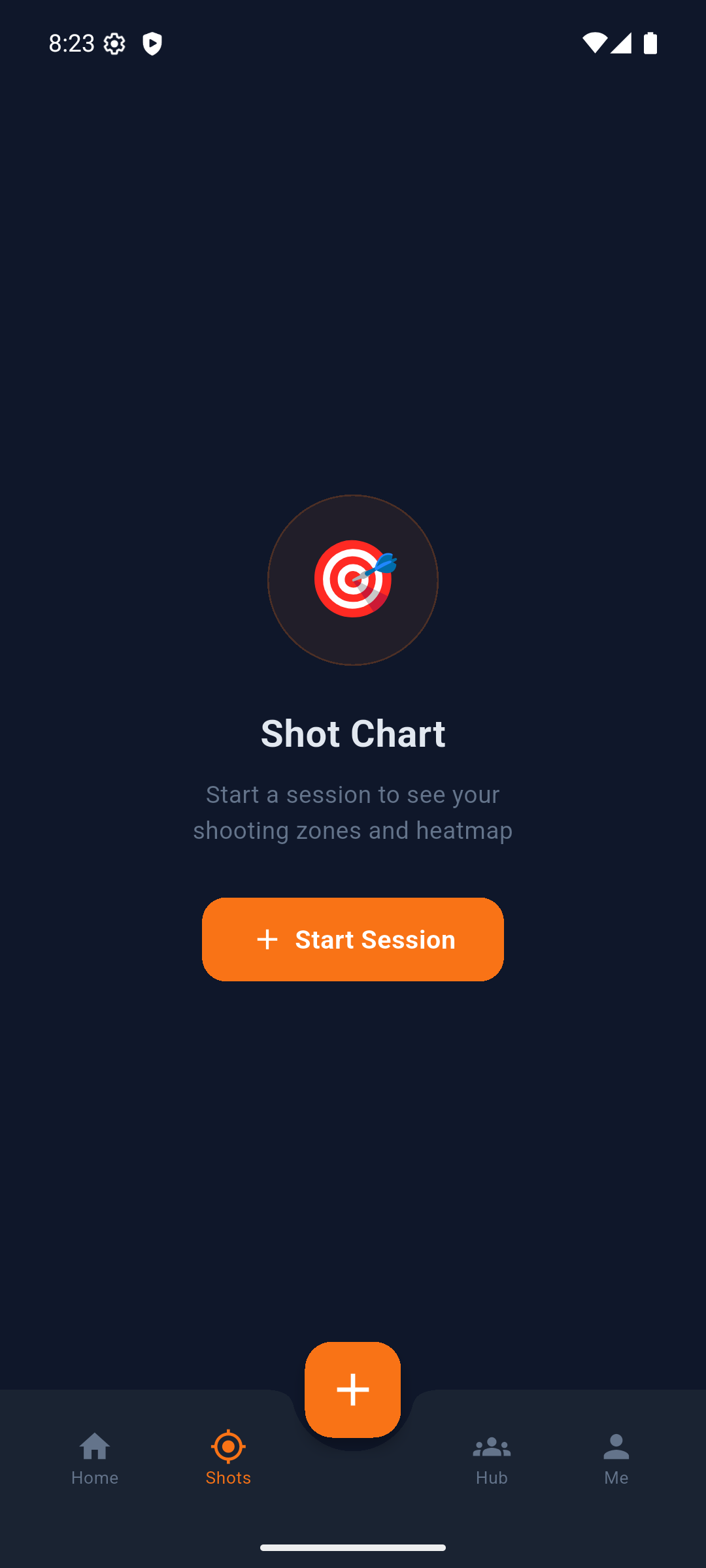
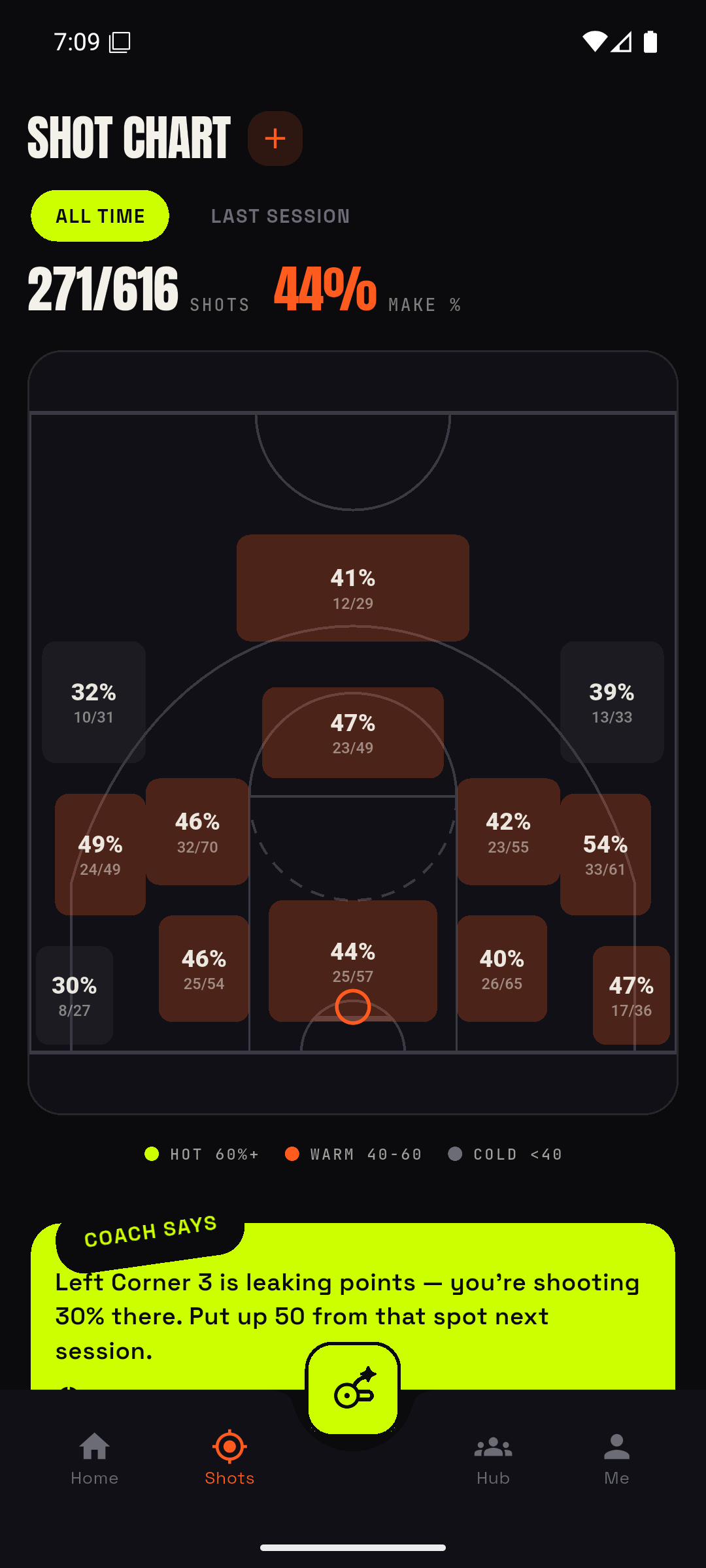
The Shots tab splits the half court into 14 zones and colours each one by your shooting percentage across every session you have logged.
The part that matters most is the ranking underneath: zones are ordered by points per attempt, not by percentage. A 35% three is worth more than a 45% mid-range shot, and the chart says so — which is often the opposite of what the percentages suggest.
Drills are playable. Pick one and Hoop counts your makes as you go, tells you which spot to shoot from next, and saves the whole thing as a real session at the end. There is no blank form to fill in afterwards.
Training plans are multi-day programmes — each day is a drill you can start and play right now. Open them from the calendar icon. Today's day also appears on your home screen.
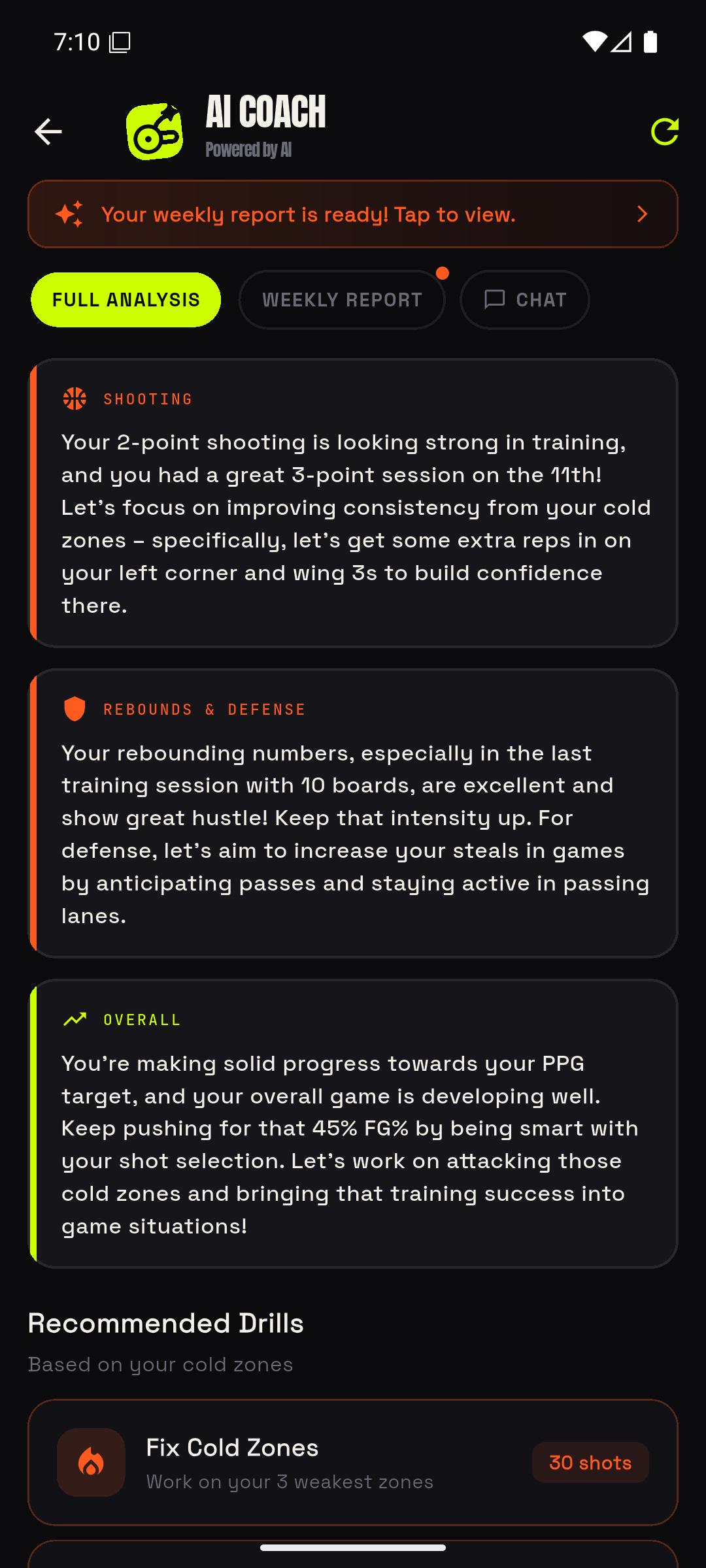
Open it with the floating button. Video analysis has its own camera icon.
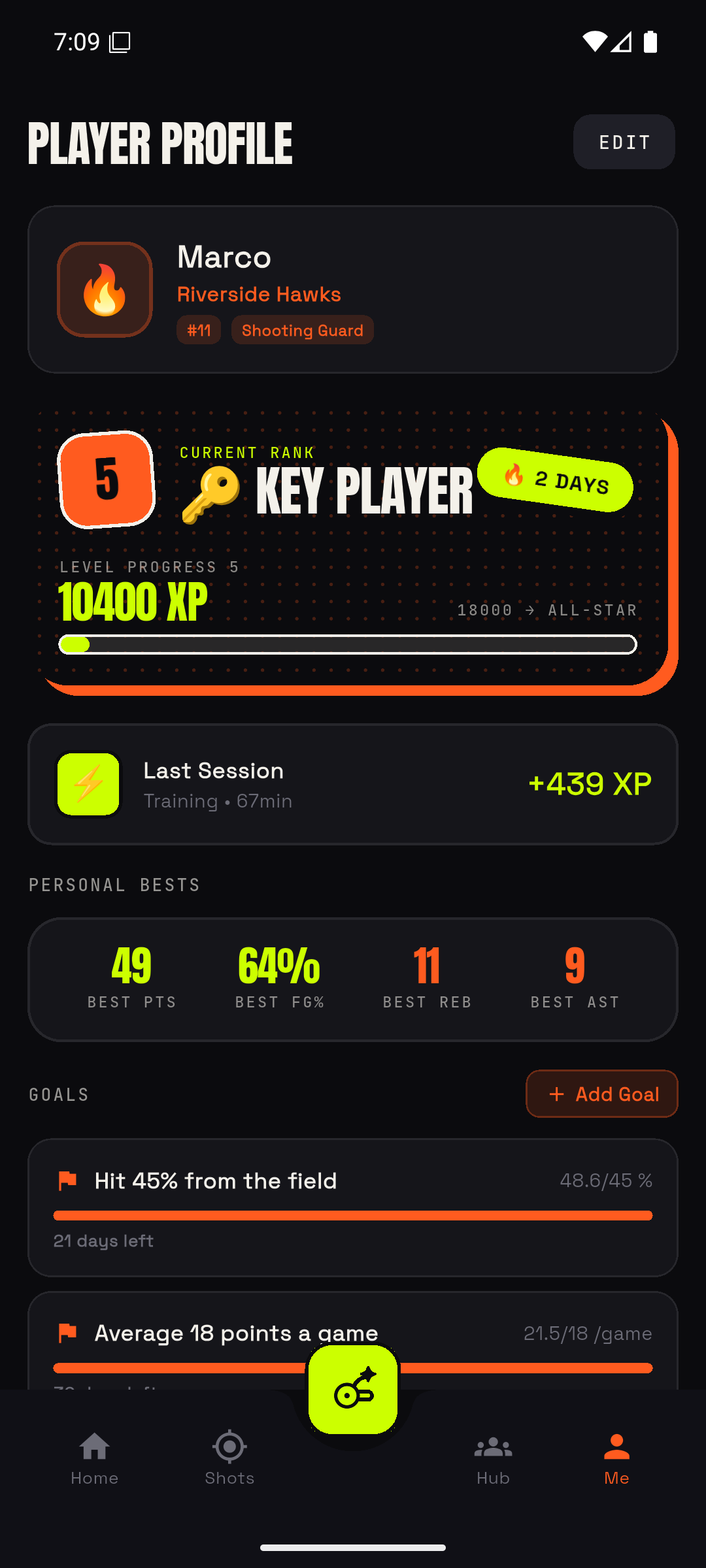
Sessions, drills, goals and completed challenges all earn XP, which moves you up 10 ranks, from Rookie to GOAT. There are 12 achievements on top of that, and filling in your profile is worth XP too.
Goals live in the Me tab. Set a target on any of seven measures — FG%, 3PT%, points, rebounds and assists per game, sessions, or streak — and Hoop tracks it and reminds you three days before the deadline.
Your streak counts consecutive days with a session. Challenges refresh weekly; brand-new players get an easier starter set first.
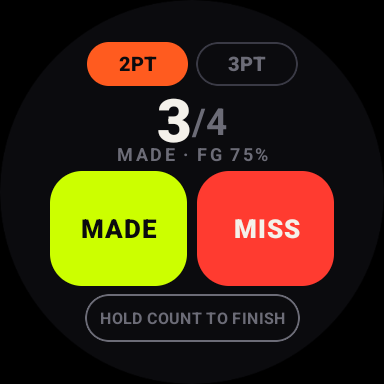
The Wear OS companion has two buttons: MADE and MISS. That is deliberate — it records what you tapped, so there is nothing for a sensor to guess wrong.
It works two ways. If the tracker is open on your phone, the watch is a remote and the numbers are the phone's. If the phone is away, the watch owns the session — it starts one, counts locally, and hands it over when you finish.
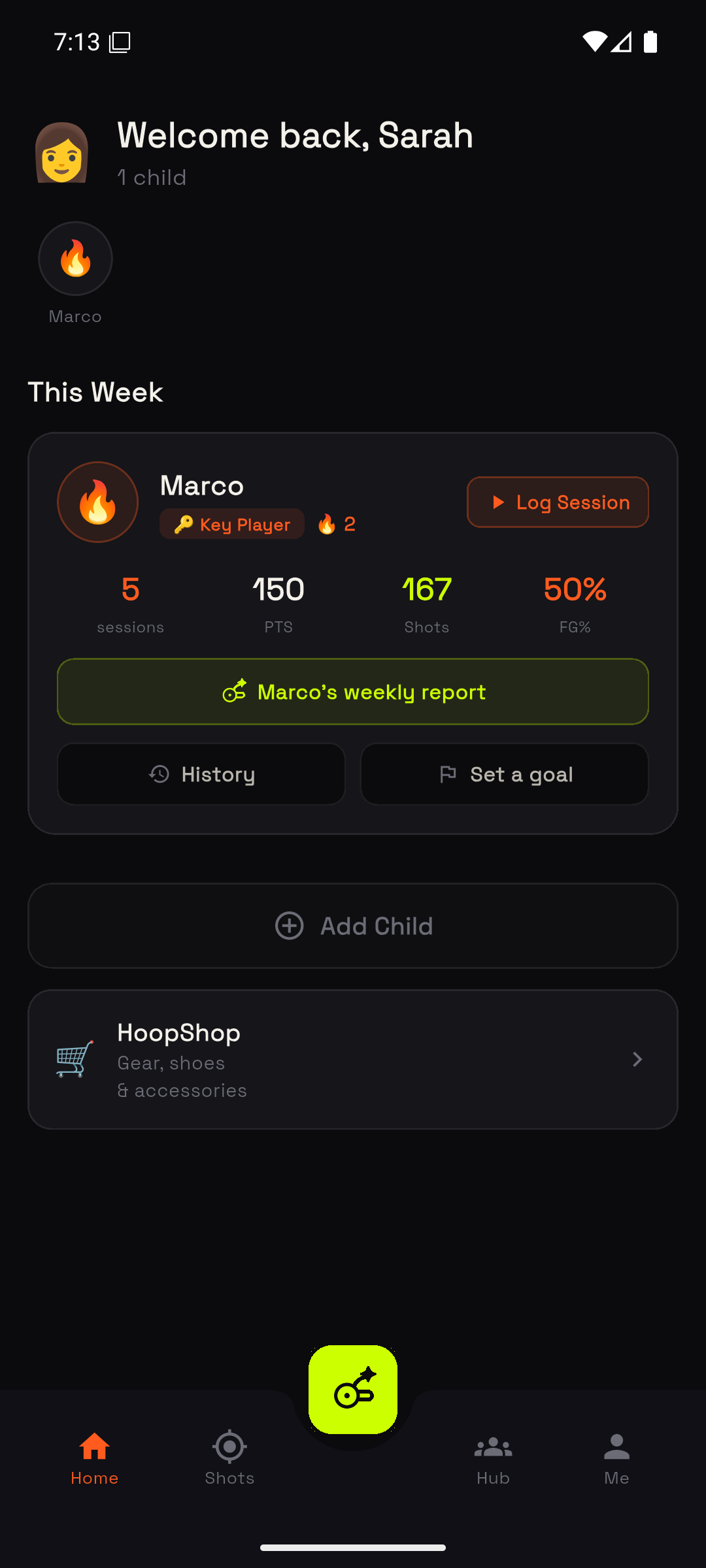
Pick the Parent role and your home screen becomes a family overview: every child profile, their recent sessions and how they are trending.
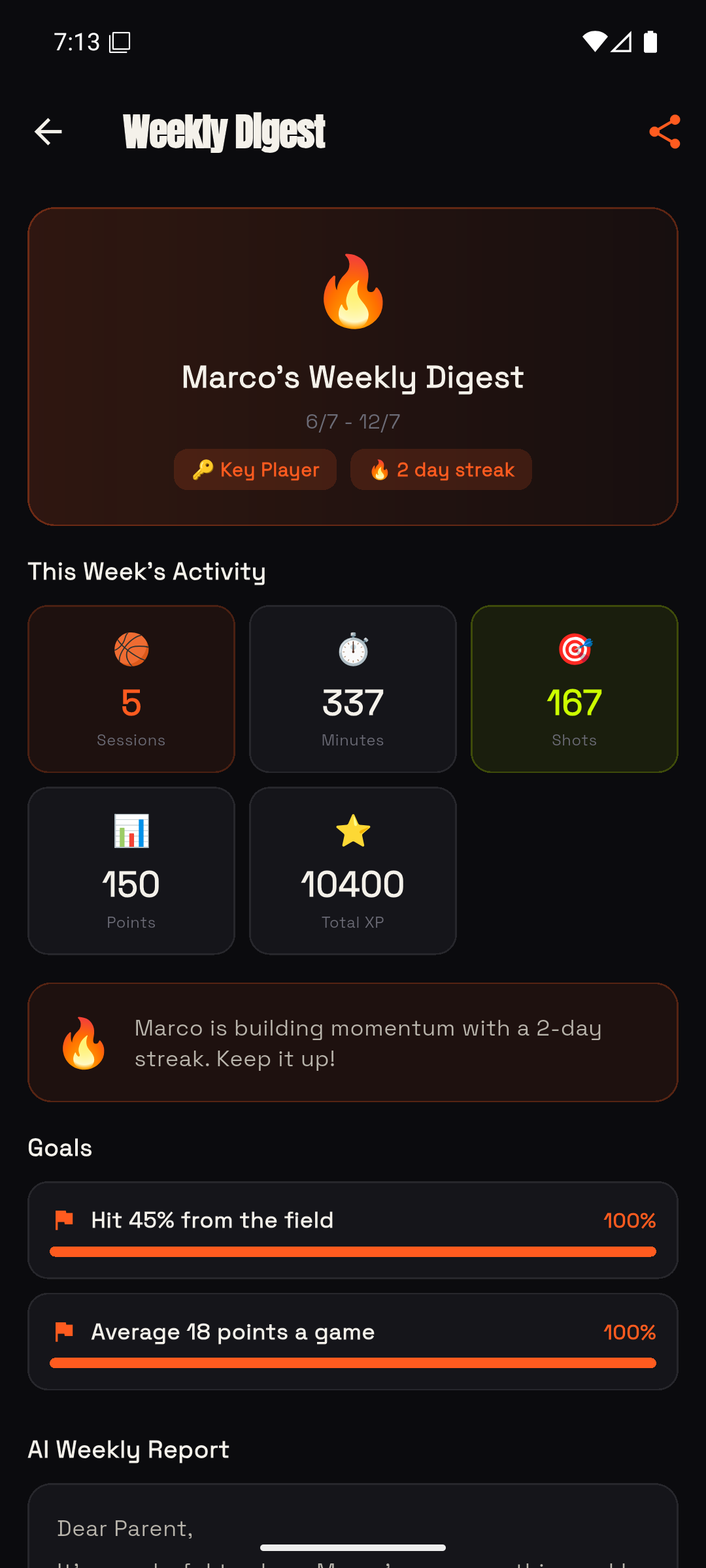
Add a profile per child and switch between them from the strip at the top of Me. The digest summarises a child's progress in plain language.
A readable summary of what your child actually did — sessions, shooting, and what the coach view would tell them to work on. Built for sending on, not for staring at a dashboard.
Hoop Teams is for tracking a whole game from the bench, on one phone, by one person. Choose the Coach role and your second tab becomes Team.
Inside a team there are three tabs: Roster, Games and Stats.
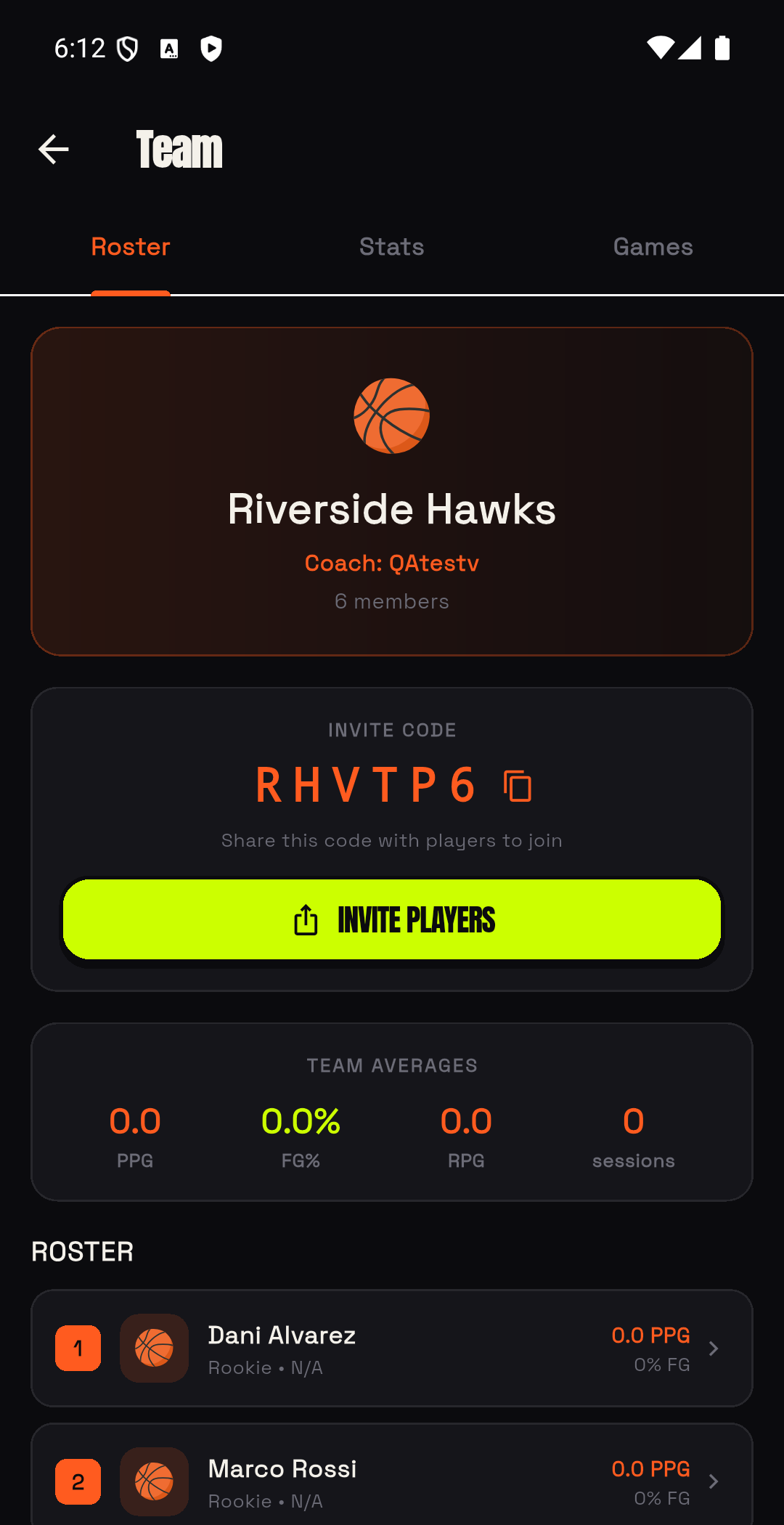
Create a team, then add your players on the Roster tab. Each one takes a name and an optional number.
Players who do use Hoop can join properly with your invite code — a 6-character code on the Roster tab. Once joined, you can send them drills with Assign Drill and see who actually completed them.
From the Roster tab, tap Track a game. Enter the opponent — the prompt asks "Who are you playing?" — and the game starts.
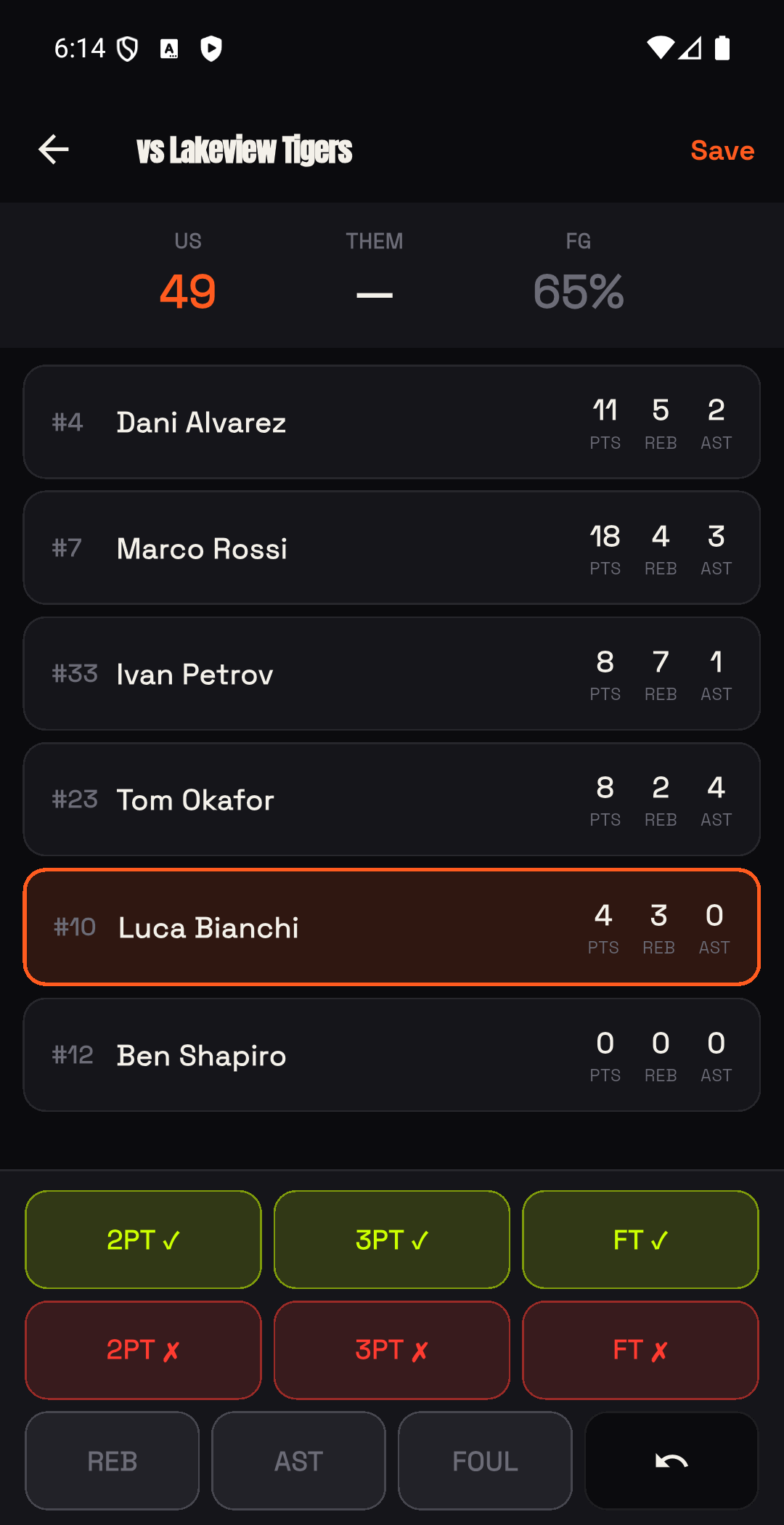
Now tap as it happens: points, rebounds, assists, steals, blocks and fouls, against the player who did it. One phone, no laptop, no second scorer.
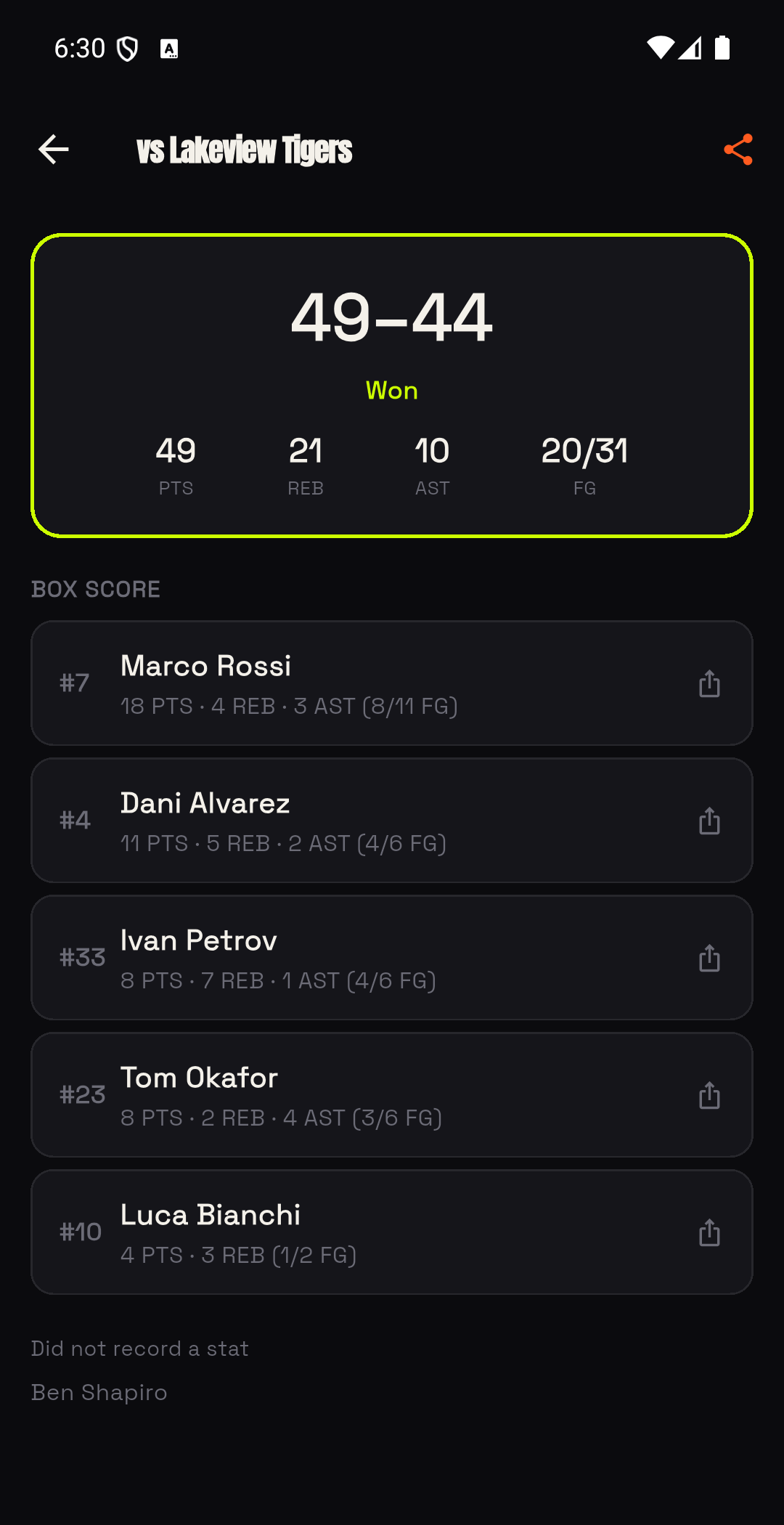
At the final buzzer the game is saved and you get a full box score — every player's line, plus team totals. Saved games live on the Games tab.
Players who did not record a stat are still listed, under their own heading, so nobody silently vanishes from the sheet.
One tap shares a single player's line — which is the thing parents actually want, and it sends only that player's numbers.
Your first 3 games per team are free. Rosters and saved box scores stay free and readable forever — the gate is on tracking new games, not on your history.
Hoop Teams is its own subscription, separate from Hoop Pro, and both plans start with a free month.
Then your own local price, shown by Google Play at checkout in your currency. Your first 3 games per team are free before any of this, and rosters and saved box scores never lock.
Open on Google PlayFree, with no account and no limit: logging shots, sessions and games, the 14-zone shot chart, all your stats and history, drills, training plans, challenges, streaks, XP and ranks, leaderboards, rivals, Street Battle, Open Runs, and the Wear OS watch app.
Free every month: one AI coaching analysis and one AI video analysis. Your first insight after three sessions is a gift on top and does not count against that.
Hoop Pro adds: unlimited AI coaching and video analysis, PDF and CSV export, the advanced drills, extra profiles, and accent colours.
Hoop Teams is separate, for coaches, and covers game tracking beyond your first 3 games per team.
Prices are shown by Google Play in your own currency inside the app. This page deliberately does not quote one.
 Hoop
Hoop
7 · Rivals, leaderboards and pickup games
10The Hub